
Download Privacyfix – Browser privacy control, ad‑tracker blocker
Overview
In an age where every click, like, and share can be turned into a data point, the line between convenience and privacy has become dangerously thin. Privacyfix steps into this landscape as a dedicated add‑on for Mozilla Firefox, giving users a clear window into what personal information is exposed to third‑party advertisers and social platforms. Rather than simply blocking ads, Privacyfix focuses on the underlying data that advertisers harvest—your interests, your social connections, and the public footprints you leave across Facebook, Google, and the sites you visit most often.
Once installed, the extension instantly scans the accounts you are logged into, highlights the publicly viewable data, and provides an intuitive interface to adjust privacy settings directly from your browser. While the tool is designed for ease of use, it also offers deeper controls for power users who want to fine‑tune each permission. The result is a transparent, user‑centric approach to online privacy that empowers you to decide what information stays private and what, if any, can be shared with advertisers.
Whether you’re a casual surfer concerned about targeted ads or a privacy enthusiast looking to audit your digital footprint, Privacyfix delivers a secure, free, and regularly updated solution that works seamlessly within Firefox’s ecosystem.
Key Features
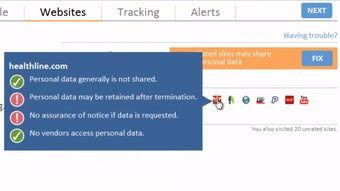
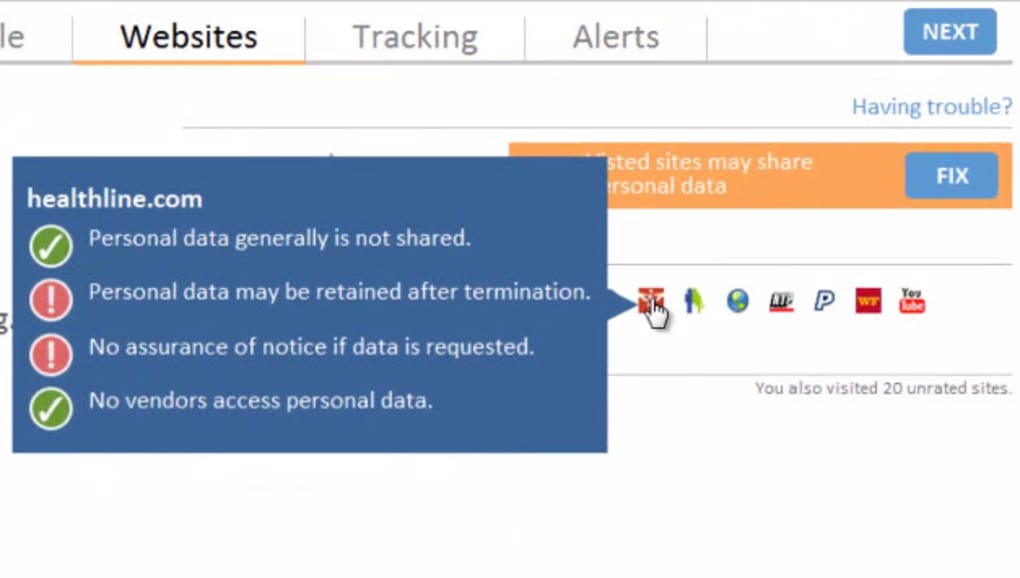
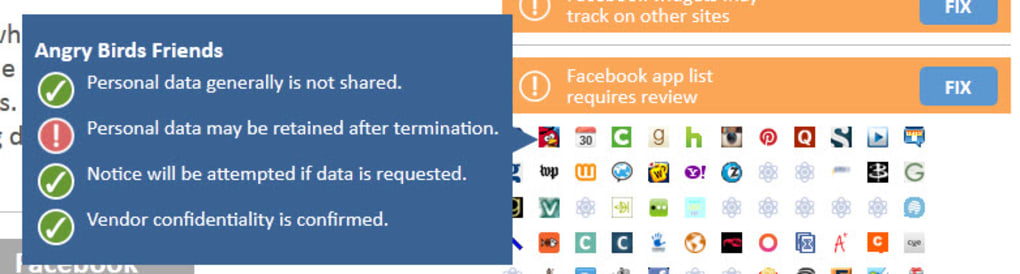
- Real‑time data exposure map: Instantly visualizes which personal details are visible to advertisers on Facebook, Google, and other linked services.
- One‑click privacy toggles: Simple switches in the upper bar let you enable or disable data sharing for each connected account.
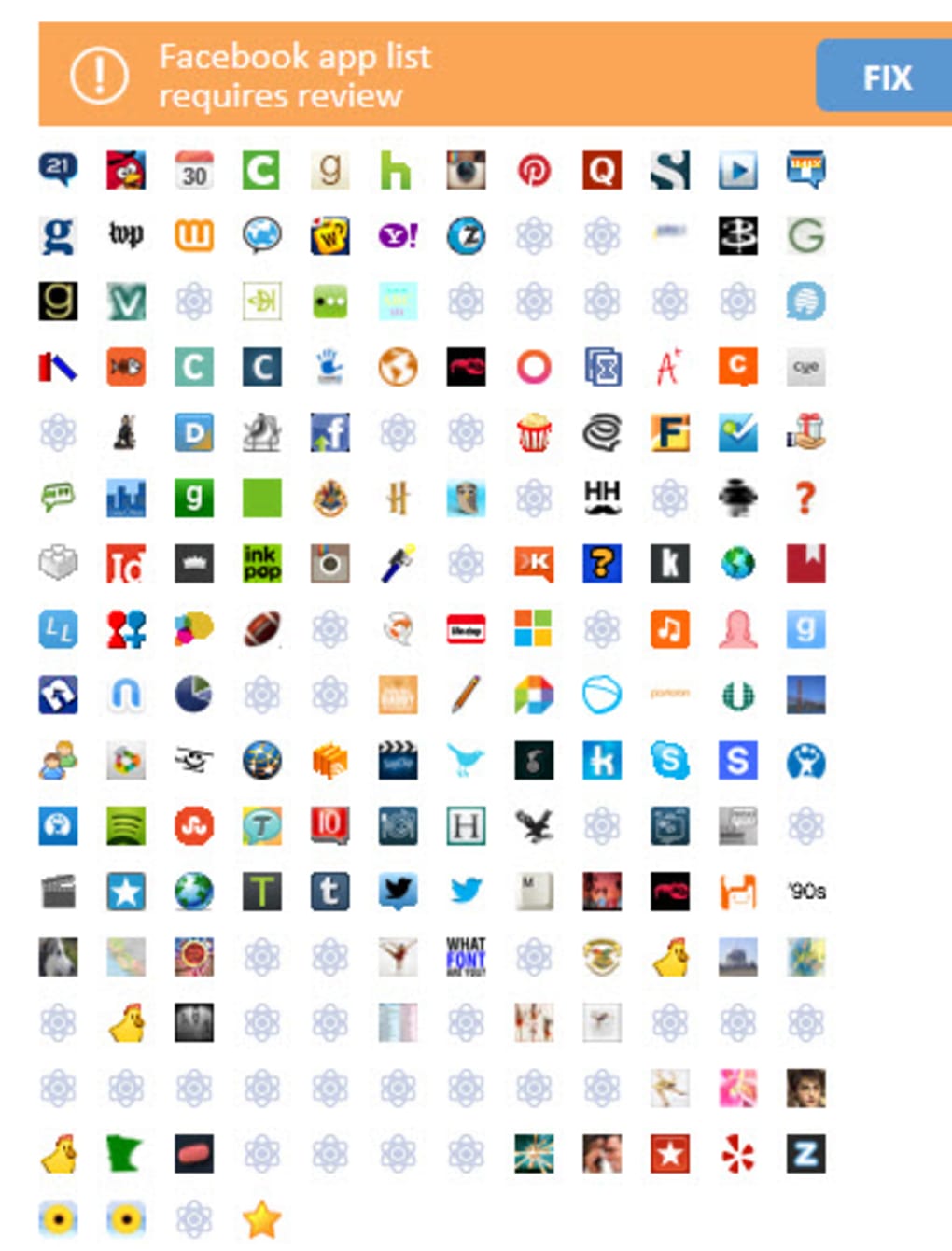
- Account‑wide audit: Scans all Firefox‑logged accounts, prompting you to add any additional profiles for a comprehensive review.
- Direct link to platform settings: Opens the relevant privacy page (e.g., Facebook settings) in a new tab so you can adjust permissions without leaving the browser.
- Customizable right‑hand panel: Allows granular control over individual data points such as location, interests, and contact information.
- Lightweight and secure: Built with Mozilla’s WebExtensions API, ensuring no extra background processes or data leaks.
- Frequent updates: Regularly patched to keep up with changes in Facebook and Google privacy policies.
- Free to use: No subscription fees, with optional donations to support ongoing development.
Installation & Usage Guide
Getting started with Privacyfix is straightforward, even for users who are not tech‑savvy. Begin by opening Firefox and navigating to the official Mozilla Add‑ons store. Search for “Privacyfix” and click the Add to Firefox button. A permission dialog will appear, outlining the data the extension needs to function—primarily read access to your active tabs and the ability to communicate with Facebook and Google’s privacy endpoints. After granting permission, Firefox will automatically download and enable the add‑on; a small icon appears in the toolbar, indicating that Privacyfix is active.
Upon first launch, the extension conducts a quick scan of any accounts you are already signed into within the browser. If you have a Facebook or Google session open, Privacyfix will retrieve the public profile data associated with those accounts. A pop‑up will then ask whether you wish to add other accounts (e.g., Twitter, LinkedIn) to the audit list. You can skip this step or add them later from the settings menu.
The main interface is split into two zones. The upper bar displays quick toggles for each connected service—turning a toggle off immediately blocks the associated data from being visible to advertisers. Below, the right‑hand column lists specific data fields (e.g., “Current City,” “Work History”) with checkboxes. Selecting a checkbox hides that piece of information from public view. As you make changes, Privacyfix automatically saves your preferences and, where possible, redirects you to the platform’s native privacy settings page so you can confirm the adjustment.
To keep the tool effective, it’s advisable to run the scan periodically—especially after major platform updates or after creating new online accounts. Privacyfix includes a “Refresh” button that re‑examines all linked services, ensuring you always have the latest snapshot of what’s exposed. Should you encounter a bug—such as the occasional mix‑up between Facebook’s “Custom Post” and “Public Posting” options—simply report it via the “Help” menu; the developer community is quick to address issues in subsequent releases.
Compatibility, Pros & Cons
Privacyfix is built exclusively for Mozilla Firefox on desktop operating systems. It supports Windows 10/11, macOS 10.15 (Catalina) and later, as well as popular Linux distributions that run the Firefox ESR or standard releases. Mobile Firefox users can install the add‑on on Android, though the feature set is limited to the data‑exposure map (privacy toggles are not available on mobile due to API restrictions). The extension does not work with other browsers such as Chrome, Edge, or Safari.
Pros
- Provides a clear, visual overview of what personal data is publicly accessible.
- One‑click toggles make it easy for non‑technical users to protect their privacy.
- Integrates directly with Facebook and Google’s native privacy pages, reducing the need for manual navigation.
- Lightweight and does not noticeably affect browsing speed.
- Free, open‑source, and regularly updated to keep pace with platform changes.
Cons
- Limited to Firefox; users of Chrome or Safari must look for alternative solutions.
- Mobile version offers fewer controls, reflecting Firefox for Android’s extension limitations.
- Occasional UI glitches, such as mislabeling Facebook’s “Custom Post” option, have been reported.
- Requires an active internet connection to fetch the latest privacy settings from third‑party services.
- Does not block all tracking scripts; it focuses on data exposure rather than full tracker blocking.
Frequently Asked Questions
Is Privacyfix completely free to use?
Yes, Privacyfix is offered at no cost. There are no hidden subscription fees, and the developer accepts optional donations to support ongoing maintenance.
Can Privacyfix block all ads and trackers?
Privacyfix focuses on revealing and managing the personal data that advertisers can see, rather than acting as a full‑featured ad blocker. For comprehensive tracker blocking, pair it with a dedicated extension like uBlock Origin.
Will installing Privacyfix affect my browsing speed?
The add‑on is lightweight and runs only when you open the privacy dashboard or refresh the scan. Most users report no noticeable slowdown during regular browsing.
Can I use Privacyfix on browsers other than Firefox?
Currently, Privacyfix is available exclusively for Mozilla Firefox. The development team has expressed interest in expanding to other browsers, but no timeline has been announced.
How often is Privacyfix updated to keep up with Facebook and Google changes?
Updates are released roughly every 4‑6 weeks, with emergency patches issued when major platform changes occur. Users receive automatic updates through the Firefox Add‑ons manager.
Conclusion & Call to Action
In a digital world where data is the new currency, having a transparent view of what you share is essential. Privacyfix delivers exactly that—a free, secure, and easy‑to‑use Firefox add‑on that shines a light on the personal information advertisers can harvest from your online activity. While it does not replace a full‑scale tracker blocker, its focus on data exposure makes it a valuable companion for anyone serious about protecting their privacy. If you’re ready to take control of your digital footprint, download Privacyfix today, run a quick scan, and start tightening the settings that keep your personal details out of the public eye. Your privacy is worth the few clicks—make the most of it now.
Download Privacyfix for Firefox and begin safeguarding your online identity instantly.







